The integration job
The integration is intended to install and configure ClickGuardIQ for an approved WordPress website while keeping property identity, environment, consent, exclusions, recording controls, version, diagnostics, updates, and removal understandable. This page is designed for WordPress site owners, administrators, developers, agencies, privacy owners, marketers, and support teams responsible for reliable website tracking. Its current public status is planned integration and property-safe installation path, which remains visible beside the setup and operational workflow.
The provider or destination boundary is the customer controls its WordPress site, hosting, plugins, themes, caching, consent tools, users, security, and release process; WordPress and third-party components control their own compatibility and changes. A directory listing, plan entitlement, configured credential, successful authorization, enabled toggle, or published tag is not evidence that the complete workflow is connected, healthy, current, or verified.
- Current status: planned integration and property-safe installation path
- Audience: WordPress site owners, administrators, developers, agencies, privacy owners, marketers, and support teams responsible for reliable website tracking
- Provider boundary: the customer controls its WordPress site, hosting, plugins, themes, caching, consent tools, users, security, and release process; WordPress and third-party components control their own compatibility and changes
Scope and permissions travel with the connection
Installation must bind one verified website and environment to the intended ClickGuardIQ property, plugin and SDK versions, configuration, allowed events, consent behavior, masking, exclusions, sampling, and authorized WordPress administrators. Credentials, tokens, secrets, account identifiers, client or website assignments, capability grants, consent, and permitted fields must remain scoped to the minimum authorized purpose.
The setup should make consent, Do Not Track, purpose, recording eligibility, masking, field exclusions, sampling, retention, and deletion implications visible before activation rather than hiding them behind a generic enable switch. Setup, refresh, permission change, disconnection, administrative access, sensitive field use, delivery attempts, and other material operations should produce attributable audit history without exposing secret values in public pages, routine logs, alerts, or exports.
Operational state is evidence
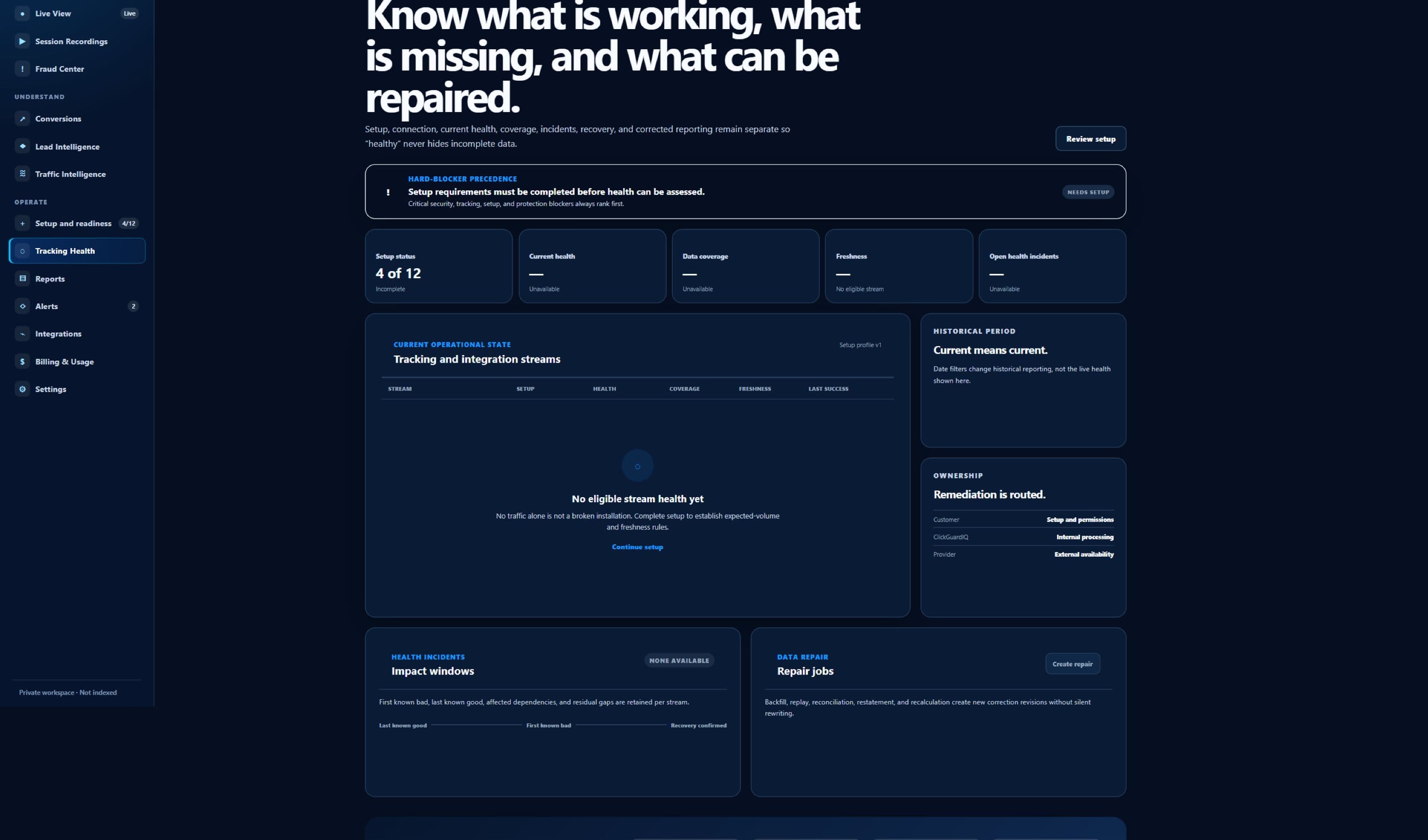
Operational health should distinguish plugin activation, website configuration, frontend SDK load, consent state, event capture, network delivery, validation, durable acceptance where configured, processing, current version, conflict, and reporting freshness. Connection health should identify the latest meaningful source and destination state, the time it was observed, expected freshness, current delay, error or limitation, retry or recovery status, and affected capability.
An installed or activated plugin does not prove the correct website is mapped, frontend capture is permitted, events are accepted, every theme or plugin is compatible, coverage is complete, or data is current. When the product cannot verify a field, permission, data flow, provider response, downstream receipt, application, or reversal, the honest state is planned, configured, delayed, degraded, failed, unavailable, unknown, or externally controlled—not connected or successful by inference.